Framer CMS Review: Pros, Cons, and Limitations (2026)
A practical look at what Framer's CMS can handle, where its limitations start to matter, and when it's the right fit for your site.

6 min read
Copy URL
Copied!
Framer's CMS is no longer just a convenient way to manage a blog. It can handle structured content, relationships, filtering, conditional layouts, and increasingly complex publishing workflows without leaving the design environment.
But that doesn't mean it's the right CMS for every website. The important question isn't how many features Framer has, it's whether those features match the way your content is structured, created, and managed.
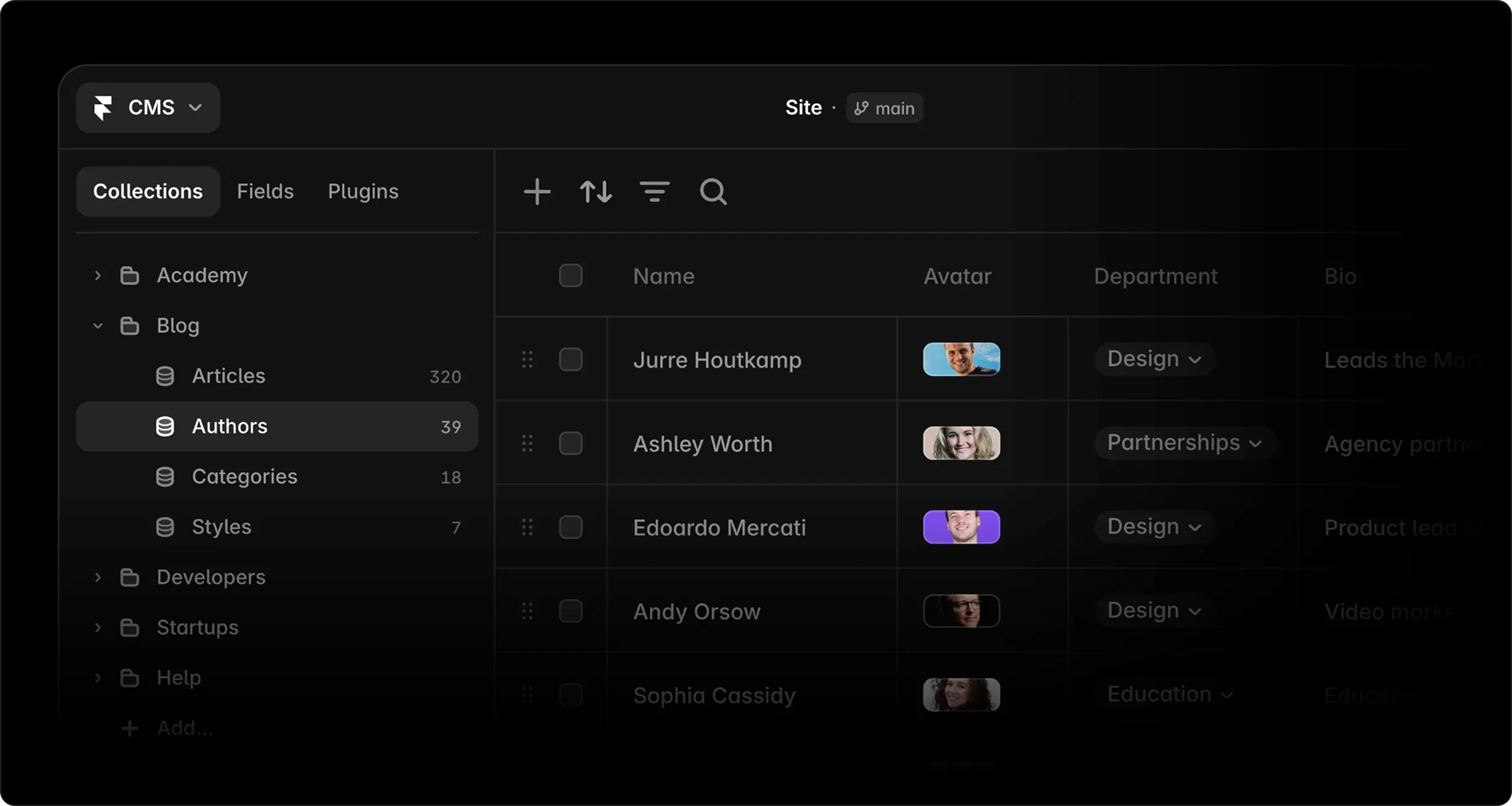
Framer's CMS editor (Source: Framer)
What it does well
Content bound to the design
Fields bind straight to elements on the canvas, so one change to a template updates every item in the collection. No plugin layer, no separate CMS to sync, no template language.
Design changes and content changes stop being two jobs handed between two people.
Publishing without engineering
Marketing adds a case study without touching design or waiting on a deploy. On-page editing in the browser covers anything small.
The agent handles setup. It generates collections from a description, turns a CSV into live dynamic pages, and drafts content into fields. Structuring a blog used to take an afternoon.
Conditionals on detail pages
One template handles items with different shapes. An image renders only if the item has one, a video block appears only when a video is set, and option fields switch a page between component variants.
A case study collection with three layouts stays one template instead of three.
Built-in filtering
Visitors narrow a collection list live, with search fields, tabs, toggles, dropdowns, checkboxes, number inputs, or date pickers depending on the field type. Pagination and empty states keep working alongside them.
A blog with categories or a resource library gets filtering without a custom build.
SEO handled by default
Sitemaps and robots.txt generate automatically, per-page meta and alt text are editable, redirects live in site settings, and pages are pre-rendered behind a CDN. Core Web Vitals tend to pass without tuning.
The one gap is structured data, so adding JSON-LD still requires Custom Code.
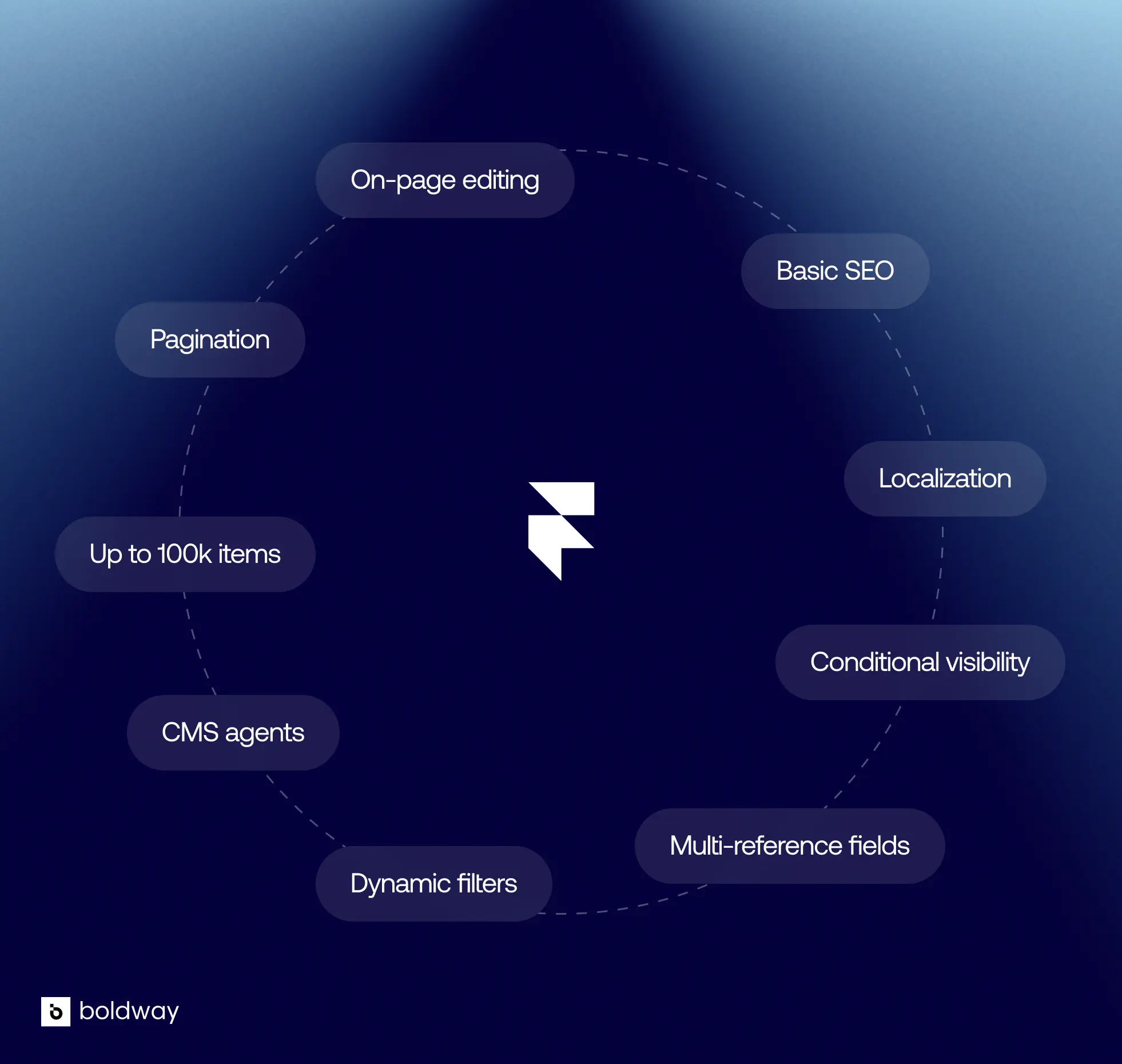
Framer's CMS main features
The limits
The limitations start to show as your content gets more complex or your site grows beyond a straightforward marketing site.
Collection and item caps
The Basic plan allows 2 collections and 1,000 items. Pro starts at 10 collections and 2,500 items, and expands with paid add-ons up to 40 collections and 100,000 items. Enterprise limits are custom. Check Framer's pricing page for current numbers, since these change.
A blog, case studies, a team page, and a jobs board are well within its intended use. A publishing operation gets expensive before it gets impossible.
Relational depth
Framer supports relationships between collections, including multi-reference fields. An article can be connected to an author, for example, and tagged with multiple topics.
What it doesn't support well is deep relational modeling across several layers of linked collections. At that point you are designing around the structure instead of expressing it.
Gated content
Framer's CMS is designed to manage content, not application logic. If your site needs authenticated content, gated experiences, user accounts, complex commerce, or other interactive functionality tied to user data, you'll need external tools or custom code.
Version history
CMS entries don't have per-entry revision history the way pages do. You can restore previous published versions, but it isn't a revision system for individual entries.
There is a Content Editor role for managing CMS content without access to the canvas, and on-page edits can be reviewed and published by someone with publishing permissions. Branches go further, letting teams work on canvas or CMS content in an isolated copy before diffing and applying changes to the main project.
External data and automation
Framer now supports programmatic CMS access through its Plugin and Server APIs, so external systems can sync content into collections.
The tradeoff is that this is a more Framer-specific integration model than using a conventional headless CMS with a generic REST or GraphQL API. If your content architecture depends heavily on an external database or complex publishing infrastructure, that distinction matters.
Framer CMS vs Webflow CMS

The honest comparison is that they are aimed at different problems.
Framer's CMS is the better fit for design-led websites. Content sits inside the design file, templates adapt to items without extra work, filtering is built in, and the whole thing moves faster from idea to published page.
Webflow's CMS is the more capable content system. More fields per item, more collections, higher item ceilings, deeper reference handling, native import and export, and more granular workflow controls. If content operations are the center of your site, that is the stronger tool.
For many funded SaaS companies the site is a marketing surface, not a publishing operation, which is why Framer usually wins that trade. We went through the wider platform question in our Framer vs Webflow comparison.
The verdict
So, is it good? Yes, for the site most SaaS companies actually need.
Framer's CMS is a good fit if your site is a marketing site with structured content attached. A blog, case studies, changelog, team, careers, integrations, customer stories. Content in the hundreds rather than the tens of thousands, entered by hand.
That describes a large share of B2B websites, which is why it works well for the majority of the sites we build.
It is the wrong fit if you are running documentation at scale, a content library in the thousands, a programmatic SEO play generating pages from a data source, or a content operation that needs deep relational modeling and highly granular editorial workflows.
FAQ
Is Framer's CMS good for a business website?
Yes, for most marketing sites. It handles blogs, case studies, team pages, careers, and product listings without plugins or an external service. The limits show up with large content libraries and complex relational structures.
How many CMS items can Framer handle?
Basic plan allows 2 collections and 1,000 items. Pro starts at 10 collections and 2,500 items, expandable to 40 collections and 100,000 items. Enterprise limits are custom. Check Framer's pricing page for current figures.
Can you filter CMS content in Framer without code?
Yes. Dynamic filters support search fields, tabs, toggles, dropdowns, checkboxes, number fields, and date pickers, depending on the field type, and they work with pagination and empty states.
Is Framer's CMS better than Webflow's?
Webflow's is more capable as a content system, with higher limits and deeper relational modeling. Framer's is faster to design with and keeps content inside the design file. The right answer depends on whether your site is a marketing surface or a publishing operation.
Can non-technical teams manage Framer's CMS?
Yes. Content Editors can manage CMS entries without access to the canvas, including editing content directly on-page. Changes still need to be published by someone with publishing permissions before they go live.
Framer's CMS is no longer just a convenient way to manage a blog. It can handle structured content, relationships, filtering, conditional layouts, and increasingly complex publishing workflows without leaving the design environment.
But that doesn't mean it's the right CMS for every website. The important question isn't how many features Framer has, it's whether those features match the way your content is structured, created, and managed.
Framer's CMS editor (Source: Framer)
What it does well
Content bound to the design
Fields bind straight to elements on the canvas, so one change to a template updates every item in the collection. No plugin layer, no separate CMS to sync, no template language.
Design changes and content changes stop being two jobs handed between two people.
Publishing without engineering
Marketing adds a case study without touching design or waiting on a deploy. On-page editing in the browser covers anything small.
The agent handles setup. It generates collections from a description, turns a CSV into live dynamic pages, and drafts content into fields. Structuring a blog used to take an afternoon.
Conditionals on detail pages
One template handles items with different shapes. An image renders only if the item has one, a video block appears only when a video is set, and option fields switch a page between component variants.
A case study collection with three layouts stays one template instead of three.
Built-in filtering
Visitors narrow a collection list live, with search fields, tabs, toggles, dropdowns, checkboxes, number inputs, or date pickers depending on the field type. Pagination and empty states keep working alongside them.
A blog with categories or a resource library gets filtering without a custom build.
SEO handled by default
Sitemaps and robots.txt generate automatically, per-page meta and alt text are editable, redirects live in site settings, and pages are pre-rendered behind a CDN. Core Web Vitals tend to pass without tuning.
The one gap is structured data, so adding JSON-LD still requires Custom Code.
Framer's CMS main features
The limits
The limitations start to show as your content gets more complex or your site grows beyond a straightforward marketing site.
Collection and item caps
The Basic plan allows 2 collections and 1,000 items. Pro starts at 10 collections and 2,500 items, and expands with paid add-ons up to 40 collections and 100,000 items. Enterprise limits are custom. Check Framer's pricing page for current numbers, since these change.
A blog, case studies, a team page, and a jobs board are well within its intended use. A publishing operation gets expensive before it gets impossible.
Relational depth
Framer supports relationships between collections, including multi-reference fields. An article can be connected to an author, for example, and tagged with multiple topics.
What it doesn't support well is deep relational modeling across several layers of linked collections. At that point you are designing around the structure instead of expressing it.
Gated content
Framer's CMS is designed to manage content, not application logic. If your site needs authenticated content, gated experiences, user accounts, complex commerce, or other interactive functionality tied to user data, you'll need external tools or custom code.
Version history
CMS entries don't have per-entry revision history the way pages do. You can restore previous published versions, but it isn't a revision system for individual entries.
There is a Content Editor role for managing CMS content without access to the canvas, and on-page edits can be reviewed and published by someone with publishing permissions. Branches go further, letting teams work on canvas or CMS content in an isolated copy before diffing and applying changes to the main project.
External data and automation
Framer now supports programmatic CMS access through its Plugin and Server APIs, so external systems can sync content into collections.
The tradeoff is that this is a more Framer-specific integration model than using a conventional headless CMS with a generic REST or GraphQL API. If your content architecture depends heavily on an external database or complex publishing infrastructure, that distinction matters.
Framer CMS vs Webflow CMS
The honest comparison is that they are aimed at different problems.
Framer's CMS is the better fit for design-led websites. Content sits inside the design file, templates adapt to items without extra work, filtering is built in, and the whole thing moves faster from idea to published page.
Webflow's CMS is the more capable content system. More fields per item, more collections, higher item ceilings, deeper reference handling, native import and export, and more granular workflow controls. If content operations are the center of your site, that is the stronger tool.
For many funded SaaS companies the site is a marketing surface, not a publishing operation, which is why Framer usually wins that trade. We went through the wider platform question in our Framer vs Webflow comparison.
The verdict
So, is it good? Yes, for the site most SaaS companies actually need.
Framer's CMS is a good fit if your site is a marketing site with structured content attached. A blog, case studies, changelog, team, careers, integrations, customer stories. Content in the hundreds rather than the tens of thousands, entered by hand.
That describes a large share of B2B websites, which is why it works well for the majority of the sites we build.
It is the wrong fit if you are running documentation at scale, a content library in the thousands, a programmatic SEO play generating pages from a data source, or a content operation that needs deep relational modeling and highly granular editorial workflows.
FAQ
Is Framer's CMS good for a business website?
Yes, for most marketing sites. It handles blogs, case studies, team pages, careers, and product listings without plugins or an external service. The limits show up with large content libraries and complex relational structures.
How many CMS items can Framer handle?
Basic plan allows 2 collections and 1,000 items. Pro starts at 10 collections and 2,500 items, expandable to 40 collections and 100,000 items. Enterprise limits are custom. Check Framer's pricing page for current figures.
Can you filter CMS content in Framer without code?
Yes. Dynamic filters support search fields, tabs, toggles, dropdowns, checkboxes, number fields, and date pickers, depending on the field type, and they work with pagination and empty states.
Is Framer's CMS better than Webflow's?
Webflow's is more capable as a content system, with higher limits and deeper relational modeling. Framer's is faster to design with and keeps content inside the design file. The right answer depends on whether your site is a marketing surface or a publishing operation.
Can non-technical teams manage Framer's CMS?
Yes. Content Editors can manage CMS entries without access to the canvas, including editing content directly on-page. Changes still need to be published by someone with publishing permissions before they go live.
We help growing SaaS teams build marketing sites their team can actually run without an engineer.